


Lepro TB2 AI Smart Table Lamp, RGB Plus IC Addressable LED Lamp Alexa Google Compatible, LightBeats Music Sync, AI Generated Lighting LLM, Modern Spiral Lamp Color Changing, 2.4 GHz WiFi/Bluetooth
Lepro TB2 AI Smart Table Lamp, RGB Plus IC Addressable LED Lamp Alexa Google Compatible, LightBeats Music Sync, AI Generated Lighting LLM, Modern Spiral Lamp Color Changing, 2.4 GHz WiFi/Bluetooth
- [Smart Lamp with RGB+IC (Independent Control) LEDs] - The 152 addressable LED lights in the tabletop lamp ensure smooth transitions/ rainbow chasing effects between colors, creating a captivating visual experience.
- [Lepro LightGPM 4 - Personalized AI Lighting Designer] - No more generic lighting! Just tell LightGPM 4 what you love, and it never forgets your favorite colors and effects. The more you use it, the more the lighting design suits your preferences—make it your personalized AI lighting designer!
- [Upgraded Voice Control-Easy to use] - No manual setup or preset scrolling, just tell the Lepro app what you want: ignite holiday vibes, elevate parties, or mirror your favorite movie and game themes—and get perfect lighting in seconds.
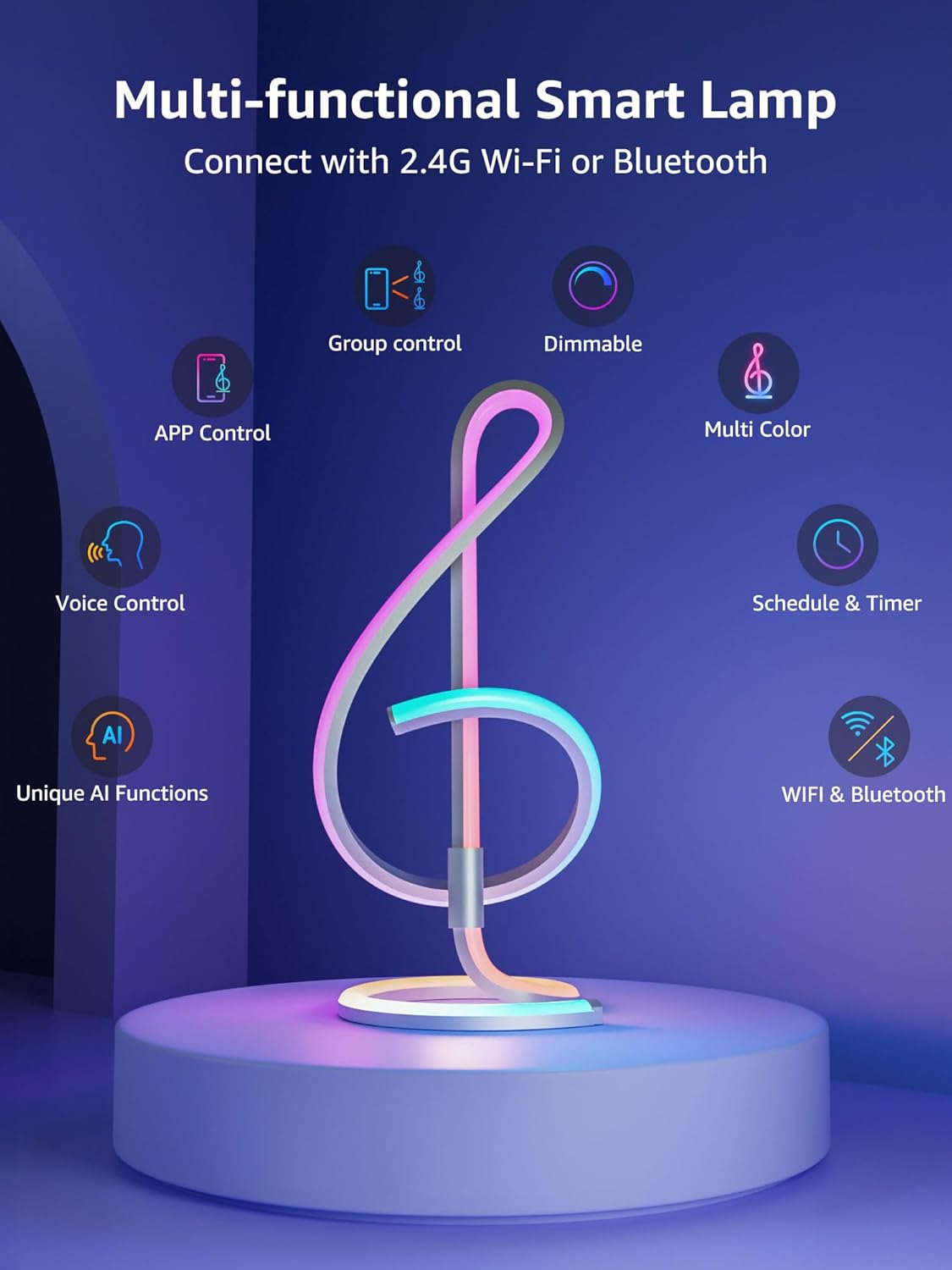
- [Works with Alexa] - You can also control smart lamp with voice commands through Alexa or Google Assistant, making it an integral part of your smart home ecosystem. Please note that the phrases Alexa can recognize are limited. For example, there is no utterance for adjusting brightness and color simultaneously as per the official Alexa guide.
- [DIY with Inspiration] - You can set each segment to a specific color and brightness individually and create a myriad of lighting effects. This programmable smart desk light does not come with a remote, as it only offers a few fixed modes. We have released more exciting features and DIY designs on our app, which is continuously updated. We hope you will explore more with Lepro APP.
- [LightBeats Music Sync] - With LightBeats algorithms, the dynamic lighting of TB2 color changing lamp can sync seamlessly with the music rhythms. Elevate your senses and immerse yourself in an unparalleled sound and light experience. You can choose to pick up music from the microphone built in the in-line controller or your phone microphone.
- [Endless Lighting Effects] - LightGPM generates up to 10 best lighting effects from billions of trillion potential lighting effect combinations to offer the best professional designs. From yoga to party, simply input your desired scene via AI voice, and the Lepro AI will recommend the ideal lighting mode.
- [Group Control Lepro Smart Lights Away from Home] - Connect the lamp through 2.4 GHz Wi-Fi, then you can control all your lights anywhere and anytime.
Couldn't load pickup availability



Lepro TB2 AI Smart Table Lamp
RGBIC · 152 Addressable LEDs · AI Lighting · Music Sync · Alexa & Google Assistant

152 Addressable LEDs · RGBIC · AI Lighting · LightBeats Music Sync · Alexa & Google Assistant · Wi-Fi + Bluetooth
Create Personalized Lighting with AI


LightGPM 4 uses AI to generate personalized lighting designs based on your input and preferences. It can recommend up to 10 lighting effects from a wide range of possible lighting combinations.
Describe the lighting effect or scene you want in the Lepro App using voice prompts. AI generates a corresponding lighting design based on your input.
Use a photo as visual input in the Lepro App. AI analyzes the image and generates a corresponding lighting design for TB2.
LightBeats uses lighting algorithms to synchronize TB2's lighting effects with music in real time. Music can be detected through the microphone built into the in-line controller or through your phone's microphone.
152 Addressable LEDs for Custom RGBIC Lighting


TB2 features 152 addressable RGBIC LEDs, allowing individual LED segments to display different colors and create smooth color transitions and dynamic lighting effects.
Use the Lepro App to set the color and brightness of each segment individually. Combine different colors and brightness levels to create custom lighting effects.
Smart Control with App, Voice & Automation


Control TB2 with voice commands through Alexa or Google Assistant. Connect the lamp to your compatible smart home platform for hands-free control.
Set a lighting schedule in the Lepro App to automate when TB2 turns on or off.
Group compatible Lepro smart lights in the Lepro App and control them together with a single command.
Control TB2 through the Lepro App to adjust supported colors, brightness, lighting effects, and other settings remotely.
Product Details


Dimensions
How to connect to Alexa
For Different Modes
Dimensions
How to connect to Alexa
For Different Modes
How to Install Lepro TB2 AI Smart Table Lamp, Download & Set up APP, Product Test


Specs
LIGHT & PERFORMANCE
SKU
TB2-US
LED Lights Quantity
152 LED lights in total
Light Color
RGB+IC (ability to display more than one color at a time), 16 million colors, no dedicated white lights
Dimmable
Yes (via app control, segment adjustment available)
POWER & CONNECTIVITY
Power Adapter
Standard US Plug
Input
100-240 Volts
Output
5 Volts, 3A
Cord Length
5.9 ft
Wi-Fi
2.4 GHz only
Bluetooth Control Distance
Approximately 5m / 16.5ft
Smart Home Integration
Works with Alexa and Google Assistant
App Control
Lepro APP
DIMENSIONS & MATERIALS
Height
15.7" / 40 cm
Width
7.4" / 18.7 cm
Depth
6.4" / 16.3 cm
Weight
1.23 lb. / 560 g
Housing Material
Aluminum
Shade Material
PVC
Finish
Aluminum extrusion
FEATURES & FUNCTIONS
Control Method
App, Voice
DIY Features
Reset, Draw, Fill, Erase
Music Sync
Lamp base built-in microphone, Phone microphone