B1 AI Smart Bulb, Color Changing Light Bulbs, Work with Alexa and Google Assistant, WiFi & Bluetooth LED Light Bulb, Music Sync, Via Lepro App, RGBWW Dimmable LLM, A19 E26 800 Lumen, 8 Packs
B1 AI Smart Bulb, Color Changing Light Bulbs, Work with Alexa and Google Assistant, WiFi & Bluetooth LED Light Bulb, Music Sync, Via Lepro App, RGBWW Dimmable LLM, A19 E26 800 Lumen, 8 Packs
- Lepro LightGPM 4 - Personalized AI Lighting Designer: No more generic lighting! Just tell LightGPM 4 what you love, and it never forgets your favorite colors and effects. The more you use it, the more the lighting design suits your preferences—make it your personalized AI lighting designer!
- Upgraded Voice Control-Easy to use: No manual setup or preset scrolling, just tell the free app Lepro what you want: ignite holiday vibes, elevate parties, or mirror your favorite movie and game themes—and get perfect lighting in seconds.
- Take a photo, get the vibe: Not sure how to describe the lighting design you want? LightGPM recognizes images. Snap a picture of your room for a lighting design that's perfect for the space, or upload a favorite movie poster or game character to instantly theme your space.
- LightBeats Music Sync: The dynamic lighting of the colour changing light bulb can intelligently sync seamlessly with the music rhythms. Transform any space into an energetic and mesmerizing musical journey, perfect for parties or dancing.
- Group Control & Remote Control Anyehere: Easily manage multiple wifi light bulbs for various scenes or rooms at your fingertips. Whether you're at home or on the go, you can effortlessly turn your wifi bulb on/off, adjust brightness, change color temperatures, set timers, and more. As long as your smart lights are connected to Wi-Fi. [ Note: 2.4GHz WiFi only. ]
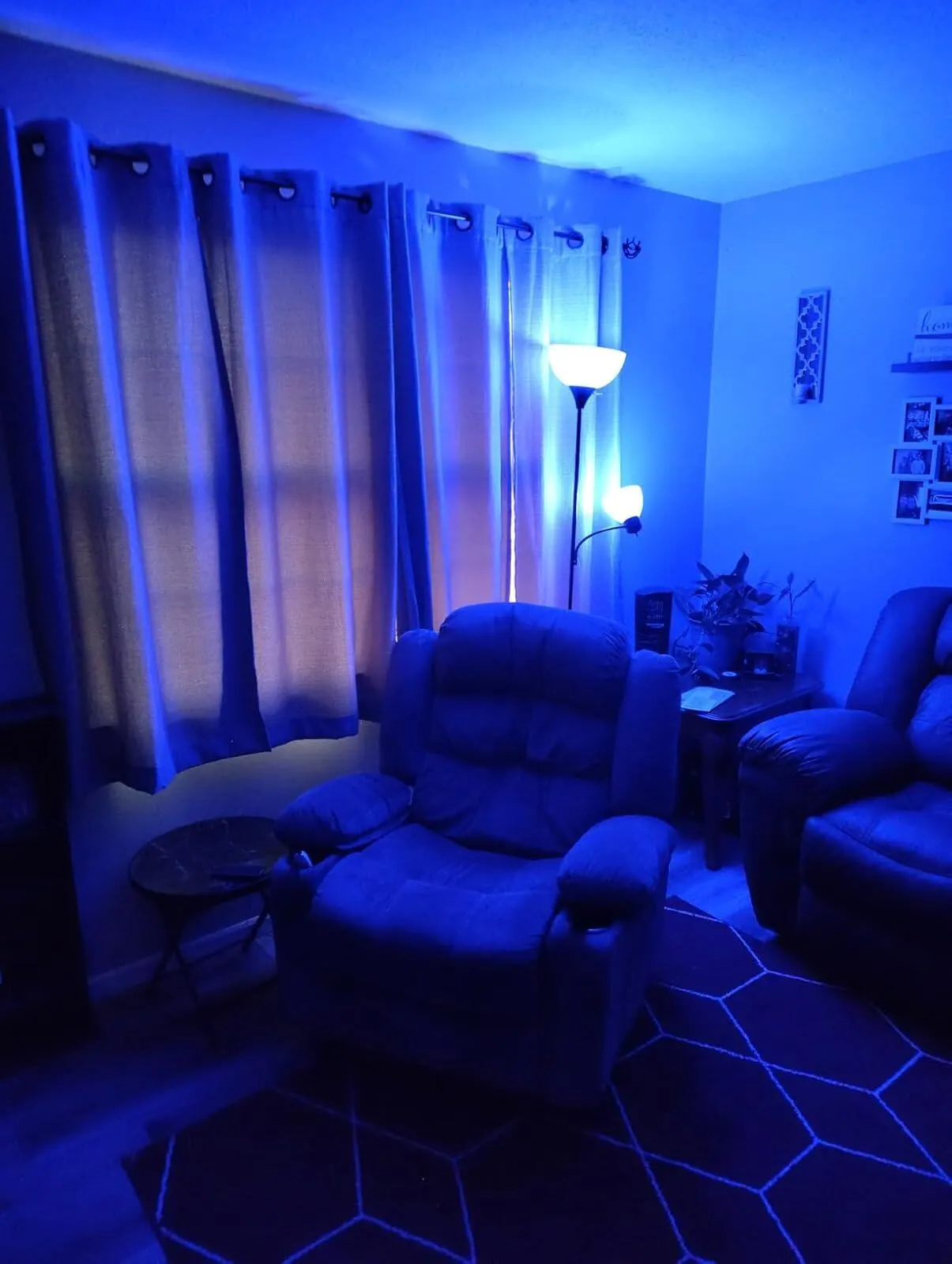
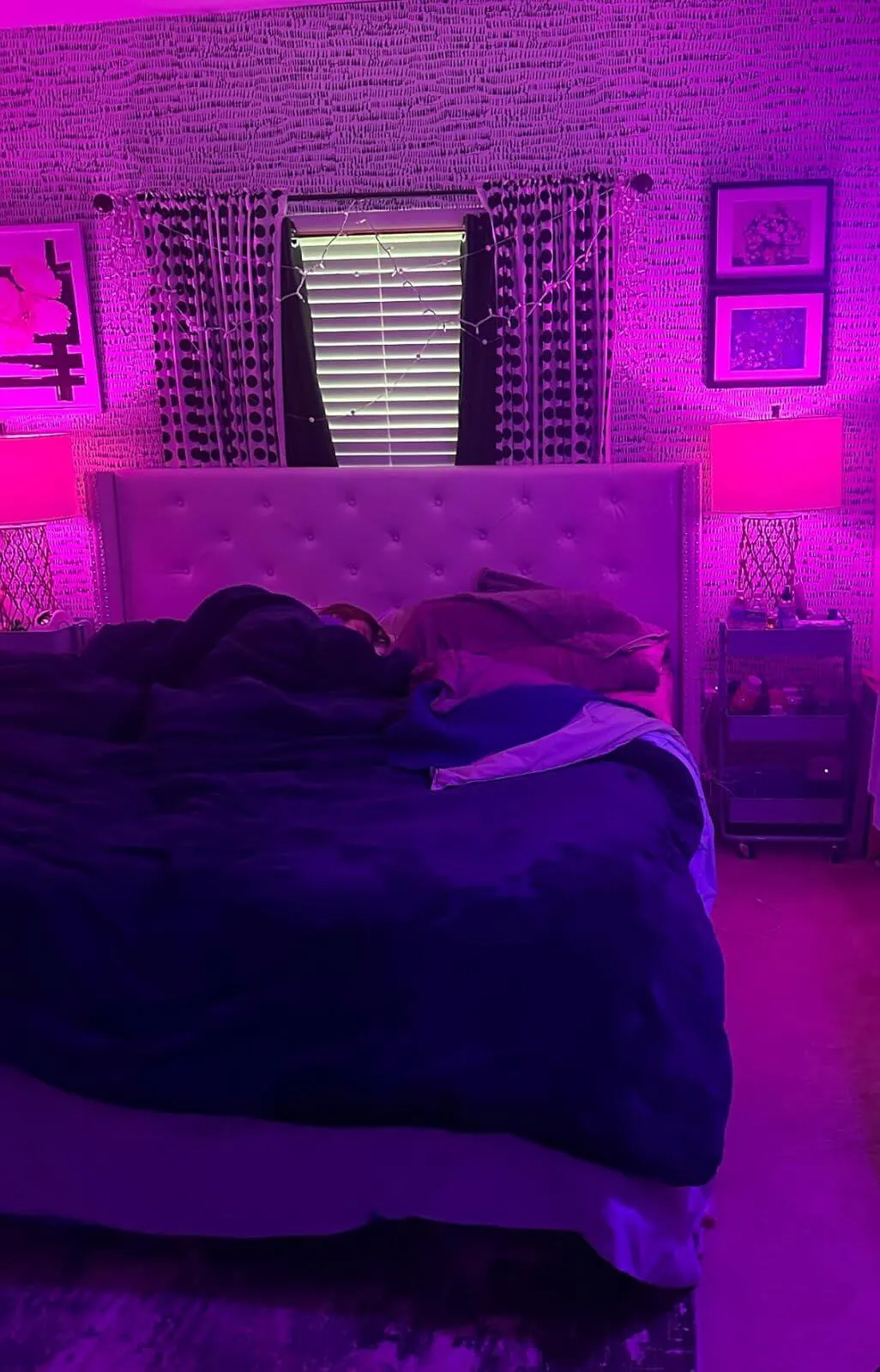
- 16 Million DIY Colors & Billions of Trillion Lighting Effects: Lepro smart led light bulbs own millions of RGBWW colors and warm to cool white lights (2700K-6500K). Unlike other brands limited to a few dozen scenes, our color light bulbs offer up to 10 best lighting effects from billions of trillion immersive lighting experiences through AI algorithms. From yoga to party, simply input your desired scene via AI voice or image, and the Lepro AI will recommend the ideal lighting mode.
- Timer & Smart Wake-Up/Sleep: Set timers and routines for your color led bulbs with ease. Lepro dimmable bulbs come with dedicated wake-up and sleep modes. Simulate sunset and sunrise by gradually dimming or brightening the bulbs within your specified time frame, promoting a natural sleep and wake cycle.
- Note: cannot use physical dimmer
Couldn't load pickup availability


New Experience - The First AI Lighting for Home
Work with Alexa & Google
Group Control
APP Remote Control
Smart Timer
Add Favorites


Lepro APP Voice Conrol
AI Music Sync
Easy Lighting Design
AI Lighting Assistant
Why Choose Lepro LightGPM


RGB Color Changing
Tunable White Light
Dimmable Brightness


Lepro APP Needed
How to connect to Alexa
Troubleshooting-1
Troubleshooting-2


Work with Alexa & Google
Group Control
APP Remote Control
Smart Timer
Add Favorites


Lepro APP Voice Conrol
AI Music Sync
Easy Lighting Design
AI Lighting Assistant
Why Choose Lepro LightGPM


RGB Color Changing
Tunable White Light
Dimmable Brightness


Lepro APP Needed
How to connect to Alexa
Troubleshooting-1
Troubleshooting-2


Compare Lepro AI Smart A19 LED Bulbs

Lepro B1 AI Smart Bulbs, Colour Changing Light Bulb, Work with Alexa and Google Assistant, WiFi & Bluetooth LED Light Bulbs, RGBWW Dimmable, Music Sync, Via Lepro App, LLM, A19 E26 800 Lumen, 2 Packs
CA $18.99
CA $25.99
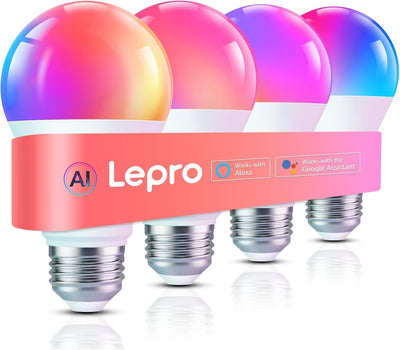
Lepro B1 AI Smart Bulbs, Colour Changing Light Bulb, Work with Alexa and Google Assistant, WiFi & Bluetooth LED Light Bulbs, Music Sync, Via Lepro App, RGBWW Dimmable LLM, A19 E26, 4 Packs
CA $35.99
CA $49.99
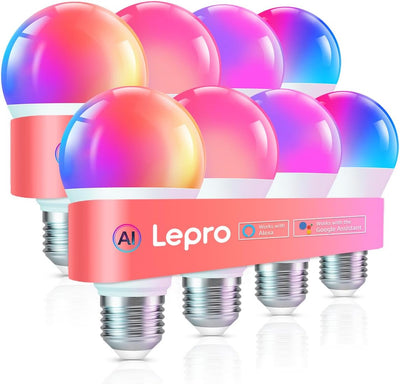
B1 AI Smart Bulb, Color Changing Light Bulbs, Work with Alexa and Google Assistant, WiFi & Bluetooth LED Light Bulb, Music Sync, Via Lepro App, RGBWW Dimmable LLM, A19 E26 800 Lumen, 8 Packs
CA $79.99

Lepro B2 AI Smart Light Bulbs, 1100LM WiFi & Bluetooth RGBWW Color Changing Light Bulb, Works with Alexa & Google Assistant, AI Voice Control, Music Sync, Via Lepro App, A19 75W Smart Bulbs, 2 Pack
CA $24.99
CA $34.99
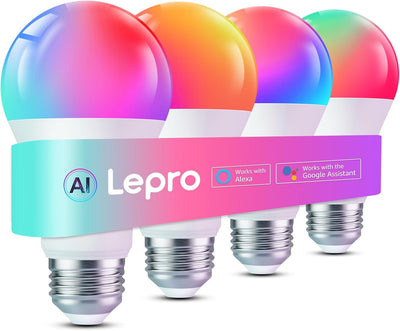
Lepro B2 AI Smart Light Bulbs, 1100LM WiFi & Bluetooth RGBWW Color Changing Light Bulb, Works with Alexa & Google Assistant, AI Voice Control, Music Sync, Via Lepro App, A19 75W Smart Bulbs, 4 Pack
CA $36.99
CA $54.99
AI Smart Bulb Specifications
LIGHT & PERFORMANCE
Model Type
A19 Smart LED Bulb (B1 Series)
Base Type
E26 Standard Medium Base
Wattage
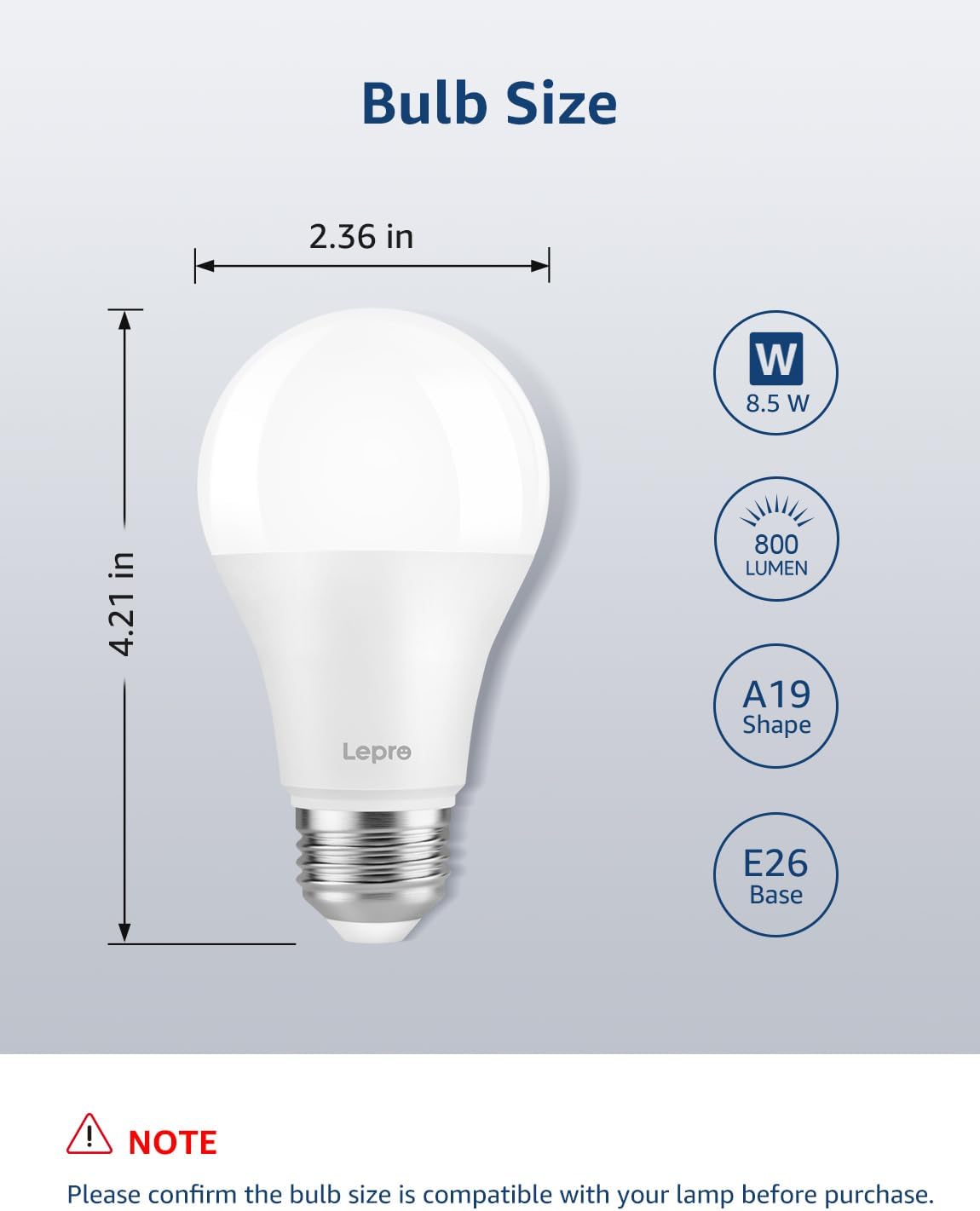
8.5W
Brightness
800 Lumens (60W Equivalent)
Color Temperature
RGB + CCT Adjustable (2700K - 6500K)
Color Rendering Index (CRI)
>80
CONNECTIVITY & INTELLIGENCE
Wireless Protocols
Wi-Fi + Bluetooth Dual Module
Smart Microchip
Espressif ESP8684-WROOM-07-H2 AI Chip
Voice Assistant Control
Works with Amazon Alexa & Google Assistant
App Integration
Lepro App control with Music Sync & AI Scenes
Dimming Capability
Fully Dimmable via App (0% - 100%)
ELECTRICAL & DESIGN
Input Voltage
120VAC 60Hz
Beam Angle
220° Ultra-Wide Distribution
Dimensions
60 mm x 107 mm
Materials
Thermal Plastic Coated with Aluminum Core + PC Diffuser
Certifications & Safety
ETL Certified, FCC ID, IC ID
Lifespan & Warranty
15,000 Hours Rated Life / 2-Year Warranty